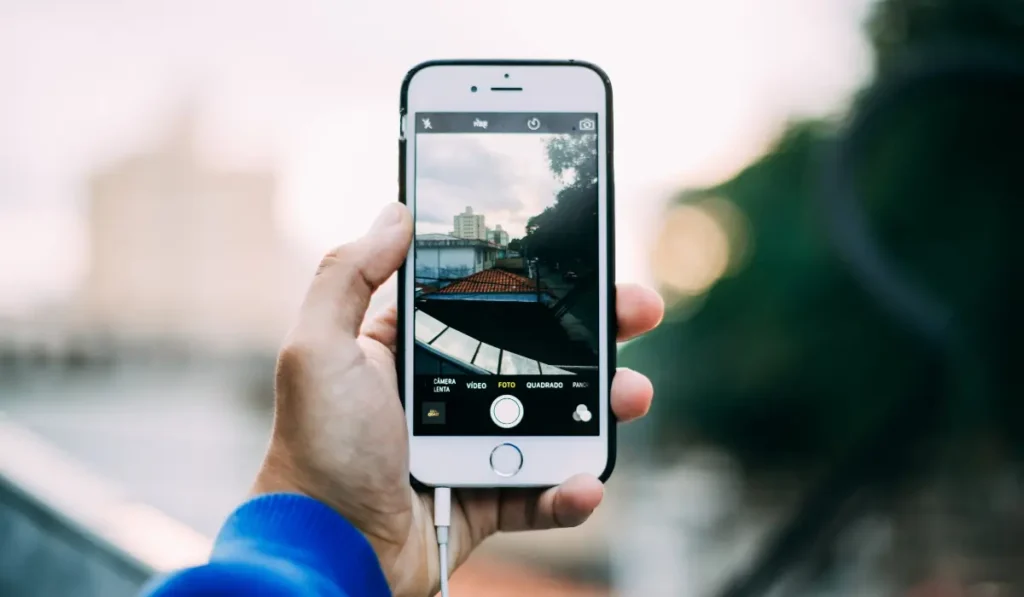
I remember growing up, I always wanted to be a photographer. I would take my family’s little camera with its rolls of carefully inserted film, and snapshots of everything and anything. My happiest moments were during special events and family parties when my relatives would smile with fond tolerance as I interrupted their conversations to get a picture.
My skill was always barely passable, as can be expected for a small child with no training. As I grew, my interest in photography waned, especially given the huge amount of effort and expensive equipment that was required to take it into even hobby territory.
Nowadays things have changed a lot. Anyone with a smartphone and Instagram filters can make something pretty presentable. An original photo that gets ranked by Google does not need to be shot on the most advanced camera. The rankability of your image depends on its uniqueness, authenticity, and information content.
Adhering to Google’s E-E-A-T (Experience, Expertise, Authoritativeness, Trustworthiness) standards and producing high-quality images can help create unique photos that can further establish a niche reputation for your website.
Beginner’s Guide To Creating Unique Photos
In 2026, there are several ways one can harness digital tools to generate unique images. Some of them have been listed below.
1. Be Prepared To Pay
Paid sites like Shutterstock and iStock are just a few of the many examples of awesome photo sites that are popping up all over the web. They maintain a higher standard, often presenting magazine-grade images for cheap.
There are also a few cool free alternatives like Unsplash, Pexels, and Pixabay.
However, authentic, original images generally hold higher value for SEO, as they are unique to your site, whereas popular stock photos can appear on thousands of sites.
2. Overlay Images with Text
Text overlays are popular for two reasons: they are easy, and they work. There is no simpler method of instructing users on how to use your mobile app, or gently nudging them towards converting to a premium service or buying a product.
Best of all, it does it in a way that they now expect; users prefer text overlays to cumbersome demos and annoying voice-overs or How-To sections.
You can use Canva to easily overlay any image you buy with an eye-catching text.To save time, always keep a quality image source handy. I prefer this one to quickly find an image to use in the background.
These images make great printables too! Here is a Vista Print promo code for you to repurpose your original images into posters or conference swag.
3. Get a Filter App
Instagram has made filters a pretty standard element of taking images. But if you aren’t on the social network, you can get other apps on your mobile device that give you filters and let you edit images before posting or sending them, all in high resolution. Available for both Android and iPhone, these include apps like Adobe Lightroom, Snapseed, Canva, etc.
Manual knowledge and control over features like color grading, brightness, and color adjustments, noise reduction for low-light photos, adding shadows, sharpening, and contrast can significantly improve the quality of your photo, while also being a medium for visual storytelling.
3.1. Budget Photography Tips For Beginners
You can take high-quality website photos using just your smartphone by utilizing the power of natural lighting. A well-lit photograph involves a play with shadows and the accentuation of the right angles.
To take such a photo, all you would need is a stable hand, or better yet, a mobile tripod stand, to ensure a balanced composition. In the absence of natural lighting, you can also invest in a ring light, a highly beneficial addition to your smartphone photography setup
4. Learn The Features On Your Camera
Your camera will have certain features that improve your photographs more or less automatically. For example, you can turn on a grid system that will separate your photos into fours, or sets of threes. This gives you framing assistance so you can find the perfect angle for a more engaging shot.
The HDR function improves elements light auto lighting and quality. Flash can be turned on or off to improve visibility. Touching the screen on the primary subject will bring it into focus more than the background. Outdoor and moving shots can be selected to adjust the camera accordingly.
Know what your camera is capable of.
You can create awesome photography with your phone too! Many professional photographers use an iPhone camera! Some Android phones will work for that too!
If your phone has a RAW mode, utilize it! RAW mode allows manual control over camera settings, allowing you to toggle with the settings in real-time.
Shooting in HDR or Portrait Mode on your phone can create high-resolution photos that focus on the subject and reduce background noise. Night Mode can be used for shooting in low-lit environments.
5. Get Someone Else To Handle Images
Of course, you don’t have to do the photos yourself. Plenty of photographers out there will work for a rate within your budget if they are able to use you as a reference, and the images as a portfolio piece. They may also require mention on the site that they were the original photographers.
Investing some money in a professional (or talented hobbyist) can pay for itself in dividend. So consider it
Do AI-Generated Images Get Penalized By Google?
Google ranks your images based on helpfulness, relevance, and originality, searching for content that meets E-E-A-T requirements. It does not directly penalize AI-generated content, as AI tools produce new pixel arrangements when generating an image, ensuring that the images are unique.
However, original photos significantly improve SEO rankings over generic stock and AI-generated images as they are unique, enhance user engagement, and help build E-E-A-T. While AI-generated images are considered “original” in terms of Google rankings, they lack the authenticity of real photos, which can potentially impact the trustworthiness of the site where they’re used.
Pro-Tip: Remember to watermark your original images to avoid copyright issues!
Any more ideas on creating cool images for your site? Please share them in the comments!