Successful Blog

  • Home
  • Community
  • About
  • Author Guidelines
  • Liz’s Book
  • Stay Tuned

Monetize Your Expertise with Kajabi

November 9, 2016 by Jessy Troy

Monetizing your blog is tough: The line between making money off your readers and selling something you cannot fully vouch for is blurred.

Various website monetization methods include

  • Offering third-party ads
  • Joining affiliate programs to sell other people’s products
  • Providing all kinds of services including call center services or virtual assistant services
  • Writing and selling ebooks
  • Starting a coaching, training or public speaking services

One of the best ways to monetize your blog is to create your own product, something you can frankly stick up for because you were the one who provide support. The tool I have just discovered seemed quite perfect for the purpose!

The Tool

Kajabi is the easiest way to monetize your expertise to put together an advanced course. It is all-in-one tool that let’s anyone create, distribute and sell content online. This can be online courses, ebooks, training videos and more.

The platform helps with every aspect of course marketing from hosting to selling:

  • Put together an advanced course choosing any types and forms: Training portals, membership sites, live event streaming, premium downloads, etc.
  • Design your course landing pages using the variety of beautiful templates (webinar optin pages, launch pages, sales pages, email registration pages, thank you pages and more)
  • Email marketing: Send emails to your students (including sophisticated segmentation)
  • Upload and host your training videos. No need to rely on third-party video hosting services.
  • Easily design your course and keep the look and feel consistent throughout different sections. All the templates are mobile-responsive, so your students can use your source on their mobile forms.

You’re not just selling your content, but the entire learning experience and aesthetic your content is packaged in
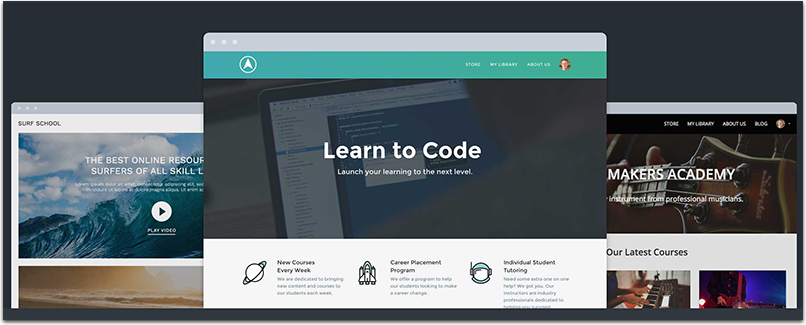
Kajabi themes

  • Provide customer support using built-in community features
  • Promote your course though an affiliate program: Automatically track and calculate commissions for partner referrals
  • Content automation: set your content to go out to users on a schedule based on when they bought the product. They’ll automatically receive an email when new content is released to them.
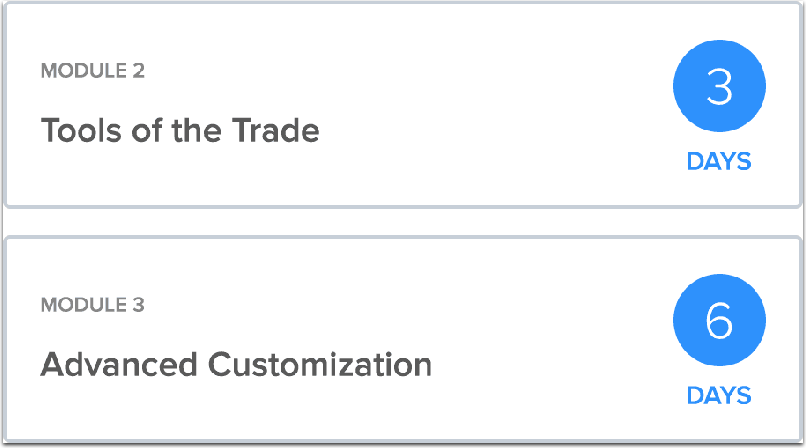
Content automation

You can also use your own domain for better course branding (This will also allow you to promote your own site).

You can also see your students’ progress (and reach out to them based on that).

Check out dozens of success stories available here.

It should be easy to sell your courses using powerful sales tools too! Provide coupons, announce special offers, access easy-to-read sales reports.
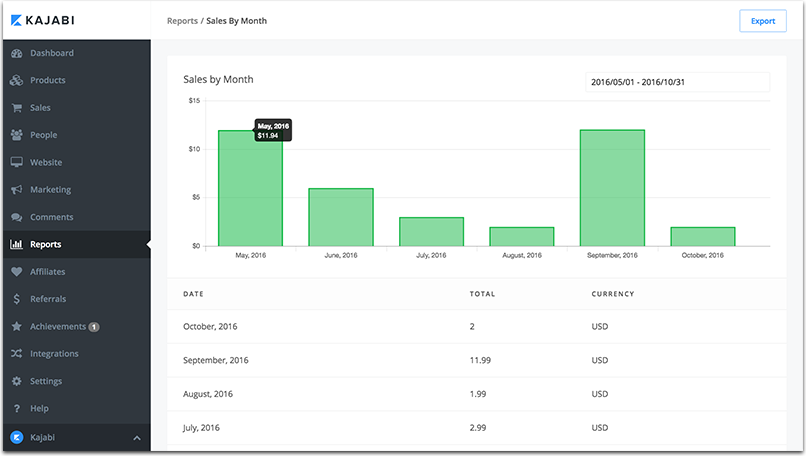
Sales reports

In a nutshell, you manage the creation and marketing of your premium content from a single dashboard. This is also a perfect opportunity to establish yourself as a niche expert.

Ideas

I can imagine that someone reading this article is scratching their heads right now. “Expertise? What on Earth can I teach anyone?” You don’t have to be a nationally recognized expert but you can surely share some useful tricks!

Have you learned to be productive in your own unique way? Are you aware of a solid self-learning guitar playing technique you have tried yourself? Is there a unique money saving routine you are using? There must be something useful you can teach people and improve their lives.


Filed Under: Idea Bank

Is It Wrong or Different?

November 7, 2016 by Liz

Do you know the difference between wrong and different?

When I first became an editorial manager, it took me a while to realize how subjective editing can be. The fact is if I ask 15 editors to revise an essay, I’ll get back 15 versions, each uniquely worded by the person who did the work.

Allowing that no mistakes were made, not one of the revised versions would be exactly as any other. Possibly even more important, not one of those revisions would be exactly I would do it. The choices made by other editors weren’t wrong. They simply were different from how I would do it.

It can be disconcerting when we ask for help or delegate work and what we get is something other than we expected, a different solution than ours would have been. But, if we’re willing to stop for a moment and consider the new approach on its own merit, we’re likely to find that what separates the two is how we were taught to do it or what we personally prefer.

Old recordings in our head tend to tell us that being different is wrong. We search for the answer our teacher wants us to parrot. We’re supposed dress like, and act like, our peer group. Don’t buy it!

What makes each of us valuable is the difference we bring to the table. When someone brings you something different than you expect, do all you can to understand the new solution. You might just find that the new solution solves the problem in a more interesting way. If new solution doesn’t suit your intended purpose, still do all you can to express respect for the new solution before you set it aside. Leaving room for other solutions opens the door to learning those new tricks old dogs aren’t supposed to be able to learn

.… And when you have a different solution, don’t seek disruption, but find a low-stress opportunity to ask about trying it. Bring your idea gently, but please bring your difference. We need it.

Be irresistible,

Liz

Put Your Mind to It

The next time someone brings you a solution that’s different from what you expected, try to catch yourself before you show them the right way to do it. Instead, ask that person why they chose to do the task as they did. You might find the thinking behind their method is stronger than the thinking behind the way you do it.

More from Liz . . . about Wrong and Different:

The Difference Between Wrong and Different

The Minute I’m Sure I’m Right, I’m Most Certainly Wrong

Filed Under: Personal Development Tagged With: wrong or different

5 Ways Charity Events Can Benefit from Social Media

November 2, 2016 by Jessy Troy

5 Ways Charity Events Can Benefit from Social Media

The world can be cruel, with natural disasters destroying cities, famines facing whole countries, wars killing parents or taking away their livelihood, or just social and economic issues that create a set of difficult challenges. It is through a sense of responsibility in the welfare of our fellow man that we do something to change lives, hopefully for future generations.

Social media and networking have changed the way charities are handled, and especially how they gain support from potential donation pools, company sponsors and even government agencies. On a basic level this is done just by getting the name of an event out onto the Internet where people can see it and share it. This will usually bring people to the event itself, and sometimes alert the press that it will be going on.

But there are other ways that large charity events can be benefited through social media marketing.

1. Expanding the Role of Local Volunteers Within Networks

Any mega event is going to have to have a wider base than just a single city. If you are hosting one, you probably have volunteers in various cities, some major, as well as connections with philanthropists and activists either nationally or internationally. These people can have an incredible impact on your campaign, and through social media they can all assist in spreading the word from where they are.

Giving them free reign to develop their own method of social media for the event will give you an impressive workforce that can be brought together and harnessed for maximum efficiency. This method can also be used outside of the event for your organization year round, keeping people informed in their specific region of events, and just keeping up with current issues and needs.

Tip: Use local hashtags to find and enroll volunteers as well as to keep them engaged.

2. Connect with the Community, Not the Cash

It can be easy to feel yourself falling into the trap of focusing on donations from an event or cause more than the cause itself and the people who support it. With a non-profit that is struggling to remain active while giving significant help to whatever need, this is understandable. But if you lose focus of your community, you will lose momentum and eventually fall flat.

Make the effort to stay tuned in to what your supporters are saying. Communicate with them and keep them up on the goings-on of both your organization and the wider effort itself. Include them and they will return the favor. If you lose that connection, you will lose everything.

Tip: Use Slack to keep engaging with your community and team. Alternatively you can use a self-hosted alternative MatterMost (a cloud hosting would be an affordable option to host a community)

3. Inspire and Empower Through Networks

Don’t think of your social media work for your event as the end-all. What you are trying to do is not create a one-stop place for information, but to inspire people to share, and empower them to get involved in their own way. Your campaign is a spark that will light a fuse, which will then cause sparks all the way down the line in other networks.

Create a passionate network with people who are dedicated to your cause. Then, use your ingenuity to light their interest further, empowering them to get really involved with spreading the word. Watch them do so, giving that same spark to others, who give it to others and continue to pass it on. You might even be inspiring their own events.

4. Communicate With Personal Connections

Never forget the importance of one-on-one contact with people involved in your community. Maintaining personal connections, keeping the lines of communication open and staying directly linked is extremely important. Even with a mega event, you should have a way for people at any level of participation to contact you and receive a response. You also have to regularly communicate with those who are more heavily involved, such as running specific campaigns or smaller events in other areas.

Social media makes this easier. Regular emails, social networking pages like Facebook and Twitter, and even Youtube videos are all ways to keep that line going. Having local branch pages of your non-profit from larger cities you are involved might also help to keep it from becoming too overwhelming from a single source.

Tip: Use Hootsuite to use most of your social media accounts from one place.

5. Use All Your Tools

Relying on one single social media tool can be dangerous. Simply because you are trying to mobilize a greater force using a paltry arsenal. You have to take into account all that you have at your disposal in order to best reach people.

For example, email lists are extremely helpful for long term communication. It allows you to regularlyu update your entire community, and gives them a chance to learn about what is going on in their own time. Sites like Facebook and Twitter are good for real-time updates and regular communication one on one with users. Blogs are good for in depth explanations of events, coming changes or press associated with your cause.

Tip: Sharing programs like Google Drive or Zoho can be a simple way to give access to projects by group members without having to rely on constant email attachments.

Adapting to Technology to Make a Difference

Over the coming years we are sure to see further changes in social media, networking and sharing that will further expand out ability to connect with causes and events. But for now, there are plenty of ways that you can mobilize long and short term support using these methods.

Post image by Stefano Mazzone under Creative Commons

Filed Under: Marketing, Motivation

Express to Impress: Expert Tips for Professional Communication

November 2, 2016 by Thomas

businessman-1492563_640

To realize your professional potential and reach your goals, your communication etiquette needs to be on point. The details of how you get your message across can make a huge difference in the way you are perceived in the workplace.

Tanya White-Earnest, Director of Trident University International’s Center for Career Planning & Workforce Strategies, believes that communication skills can make or break professional opportunities and relationships. She put together an outstanding webinar called Professional Communication Etiquette to help job seekers and employees be more successful.

Below are some helpful and insightful tips from that expert webinar. We’ve broken them down into things that work well and things that don’t work so well in a professional setting.

“Whether you’re applying for a job and want to be sure you communicate well with recruiters and hiring managers or if you’re already in a position where you want to present yourself well to superiors, coworkers, and clients, these tips will help,” said White-Earnest.

Things that Work

According to White-Earnest, there are some things you can do when dealing with professional contacts that help make your interactions more positive, polished, and easy. These are a few:

  • A hand-written thank you note after a good interview. This helps you stand out as a candidate and shows your sincere desire to earn the position. Some people are tempted to text after a job interview because they want to get in touch immediately. While immediacy is important, you can accomplish this by sending an e-mail and then follow up with your hand-written letter.
  • Use good posture and smile when talking on the phone. The person on the other end of the conversation may not be able to see you, but scholars of communications find that these behaviors make a real difference in the way you are perceived. By sitting up straight and smiling, you can help ensure you leave a positive impression. You can even put a mirror in front of your face when on an important call to ensure you convey your meaning with the appropriate expression.
  • Make sure your personal phone is job search/office ready. Ensure you have a basic ring tone and voicemail greeting that projects an image of professionalism.
  • Turn your personal phone off whenever you are in interviews, meetings, or other professional settings. Not doing so is disruptive and makes you seem unorganized.
  • Fully read all of your e-mails and reply appropriately. Do not skim! Address each point that is brought up. If a person brings up three issues, don’t address only two. If you cannot answer all of their questions, tell the person you will find out the information they are seeking and get back to them.
  • Use autoresponder when on vacation or at a conference. That way if you don’t get back to someone right away, they will not be left to wonder why you didn’t respond or assume you are nonresponsive and unreliable.
  • Be sure to have an e-mail signature. This should include all of your contact information and a link to your LinkedIn profile. That way the person will be able to easily contact you in terms with which they are comfortable.
  • Respond even when you’re not interested. If you receive an e-mail requesting an interview for a position you’ve decided you do not want, don’t ignore it. Write the person back, thank them, explain that you don’t think it’s the right position for you, and if you know someone who might be a good fit, mention that person and put them in touch. That way, if an opportunity that does suit you opens up within their company, they will remember your courteous communications and helpful attitude. If you ignore them, consider the bridge burned.
  • Make sure all of your social media profiles are up-to-date and thorough. You want to be sure that anything they check really shows what you bring to the table. And they will check!

Things that Don’t Work

Just like there are things that help your work image, there are also actions that can harm it. Below are some to avoid:

  • Initiating text messaging. Generally speaking, you should never initiate texting with a professional contact. They should text first and then it is okay to answer them. However, just because they texted first, this time, doesn’t mean it is okay to use text the next time you need to communicate with them. E-mail or phone should still be used. Texts should be on a response-only basis in the professional sphere, unless specified otherwise by the contact.

Note: About 60% of recruiters use text. This is because 98% of texts are opened and 90% are replied to in 3 minutes. They know if they text they will probably hear back from you quickly, which is an advantage when they are scheduling multiple interviews. While it is obviously fine to respond to these texts, it is important to remember that other communications should take place via e-mail or phone – never text.

  • Text talk, social media abbreviations, and emoticons should not be used in job search materials. These are simply too casual and personal. Plus, many people will see you as juvenile, LOL. 😉
  • Misspelling the contact’s name or addressing them as the wrong gender. These types of mistakes are a great way to make a bad impression. This is especially important when the stakes are high, as in job search e-mails or when writing to a superior. If you are writing to that person, chances are you want them to help you in some way. Take the time to find the person on LinkedIn or their company website to determine their correct name spelling and whether they are male or female. Note: never assume you know gender by name!
  • Emails without subject lines. Always make sure to write a clean, accurate subject line for your e-mail. Emails without subject lines sometimes end up in spam folders. Subject lines also help your e-mail to stand out and be searchable if someone wants to reference the information in it later.
  • Applying to jobs for which you are unqualified. Recruiters get hundreds and hundreds of applications. Wasting their time by applying to a job for which you don’t qualify is a surefire way to ensure that company never hires you. Of course, more qualifications are possible with an online bachelors degree.
  • Not proofreading and spellchecking. Errors will project an image of carelessness when you want to come across as detail-oriented. Sending sloppy communications is also somewhat disrespectful as it indicates you don’t care enough about them to ensure your communication is correct and professional.
  • Following up more than once or twice per week. If you’ve written your follow-up e-mail clearly and appropriately, you will probably not have to do this anyway. But if you find yourself attempting to contact a company on a more than bi-weekly basis, you should probably realize this opportunity is not for you and move on.

In addition to these dos and don’ts, White-Earnest says there is one thing that will help you earn favor more than anything else in business communications: “The most important thing is to make connections and build relationships,” she said.

In the words of Maya Angelou, “people will forget what you said, people will forget what you did, but people will never forget how you made them feel.” If you made your contact feel friendly, at ease, and confident in your abilities, then you are well on your way to success.

Good luck!

Photo credit: Pixabay


Filed Under: Business Life, Personal Development Tagged With: business, Careers, communication, jobs, personal growth

Sometimes We Outgrow Our Stories

October 31, 2016 by Jane Boyd

Sometimes we outgrow our stories.

The other day I was having a conversation with a friend. We were sharing stories from days gone by about each of our lives. We hopped from one story to the next — based on what each of us were sharing. It was really an incredible discussion as we were each learning from the other through the power of the stories we were telling.

Over the last few years I’ve been much more aware of the way I share my own personal stories with others. Of what it is that I’m putting out into the world. And of how the stories I tell impact others as well as myself. It’s become somewhat of an acquired skill — being truly aware of exactly what my stories are and how I share them. Of what they mean to me. I suppose you could say I have a new level of self awareness when it comes to the stories I tell myself and others.

Anyway, there my friend and I were sharing stories. Funny stories, sad stories and stories that make you think — that cause you to question your perspective on things. We reached a point in the discussion, where it seemed like the right moment for me to share a story that I often tell. One from my past that has always brought to mind a series of mixed thoughts and emotions. I told the story just as I always have. And the response was the same as it often is — one of interest and engagement. Yet, as I was telling the story I realized something. I wasn’t feeling the same way I usually did about this particular story. In fact, the further I got into the story the more I realized that I might just have outgrown the story. That perhaps it was actually no longer as relevant to my life or the person I am today. By the time I was finished the story, it was as though I knew the story wouldn’t be sitting on the same bookshelf of stories in my life any longer. It truly was a story from my past — and it no longer represented who I am today.

It’s important to remember that we decide the stories that decide our lives. And that sometimes we outgrow our stories — because we change, move on or let go of things that once held onto us. Learning to recognize when it’s time to retire a story so you can move on to write new stories in your life is essential. It’s the difference between building your future vs living in the past.

Put Your Mind to It

The next time you find yourself sharing stories about who you are, your life and you past — take a moment to reflect. Are they really the stories you want to tell about yourself? Do they align with the person you are today?

More from Successful-Blog . . .

What are the four elements of human freedom?

Five ways to attack the hard things in your business


Jane Boyd is a Partner in GeniusShared. She is also the CEO of 45 Conversations Media & Education Ltd, a Canadian education and training company based just outside of Vancouver Canada. She works with educators, business, community and government in the areas of early learning, work-life, community development and employee engagement.

Filed Under: P2020, Sharing Genius Tagged With: Jane Boyd, stories, stories we tell ourselves, the stories we tell ourselves

How to find freelance work

October 27, 2016 by Rosemary

Are you looking for a “side hustle?”

Perhaps you want to have some cash buffer while your real business ramps up.
Perhaps you just want holiday spending money.

The good news is that it’s easy to find gigs that supplement your primary paycheck.

Some marketplaces are focused on writers, some are focused on design, and some are just for general life tasks, so you can choose the type of work you want to do.

Before you sign up with one of these marketplaces, be sure to investigate. Look at reviews from others who have done work for them, and find out their payment policies, be sure you understand who owns your work product.

Above all, be sure that you’re receiving adequate payment for the work you do. Consider the opportunity cost of accepting the gig vs working on your primary business before you proceed.

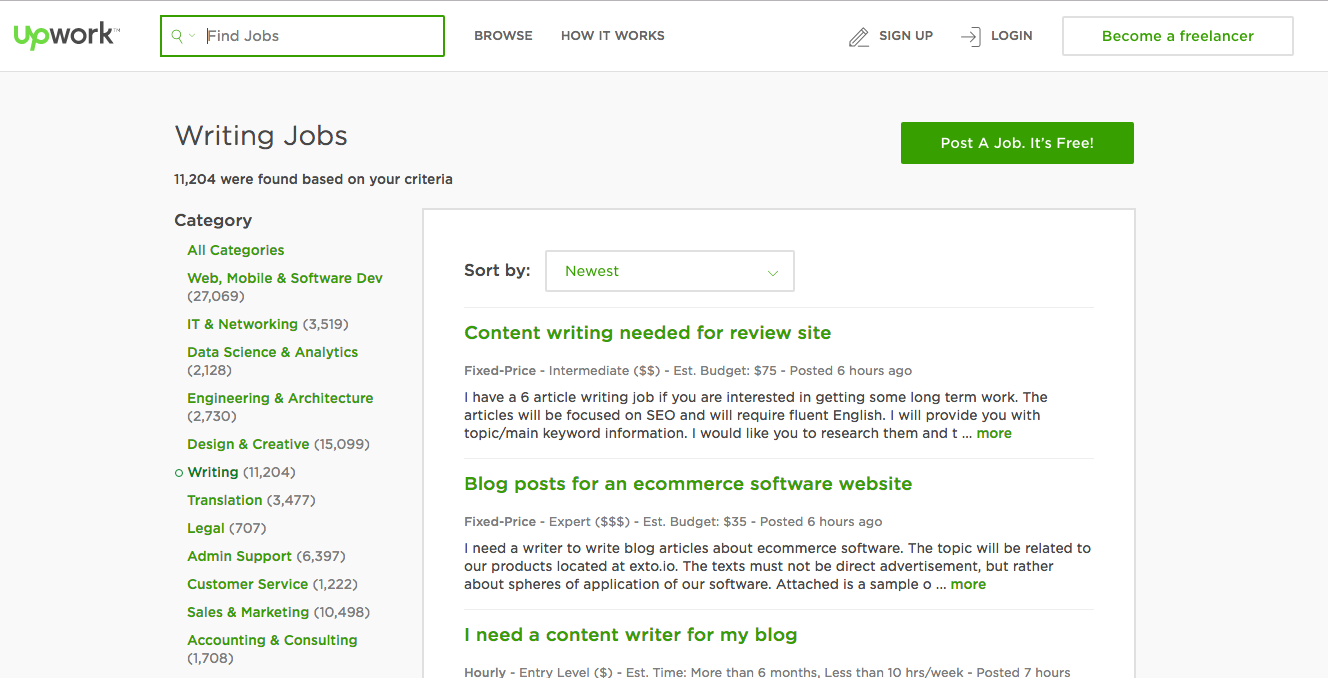
Upwork

Upwork offers all types of services, from marketing to IT to translation services. All you need is a computer, Internet access, and your mad skills.

Upwork provides a user-friendly platform to help you communicate with your client, share files and project-related documents, track your time, and get paid. It’s free to join Upwork. Once you begin doing freelance work with a client on the platform, they deduct a percentage fee from each payment. So, be sure to price your services accordingly. Upwork also offers premium membership plans for an additional cost.

Upwork main web page

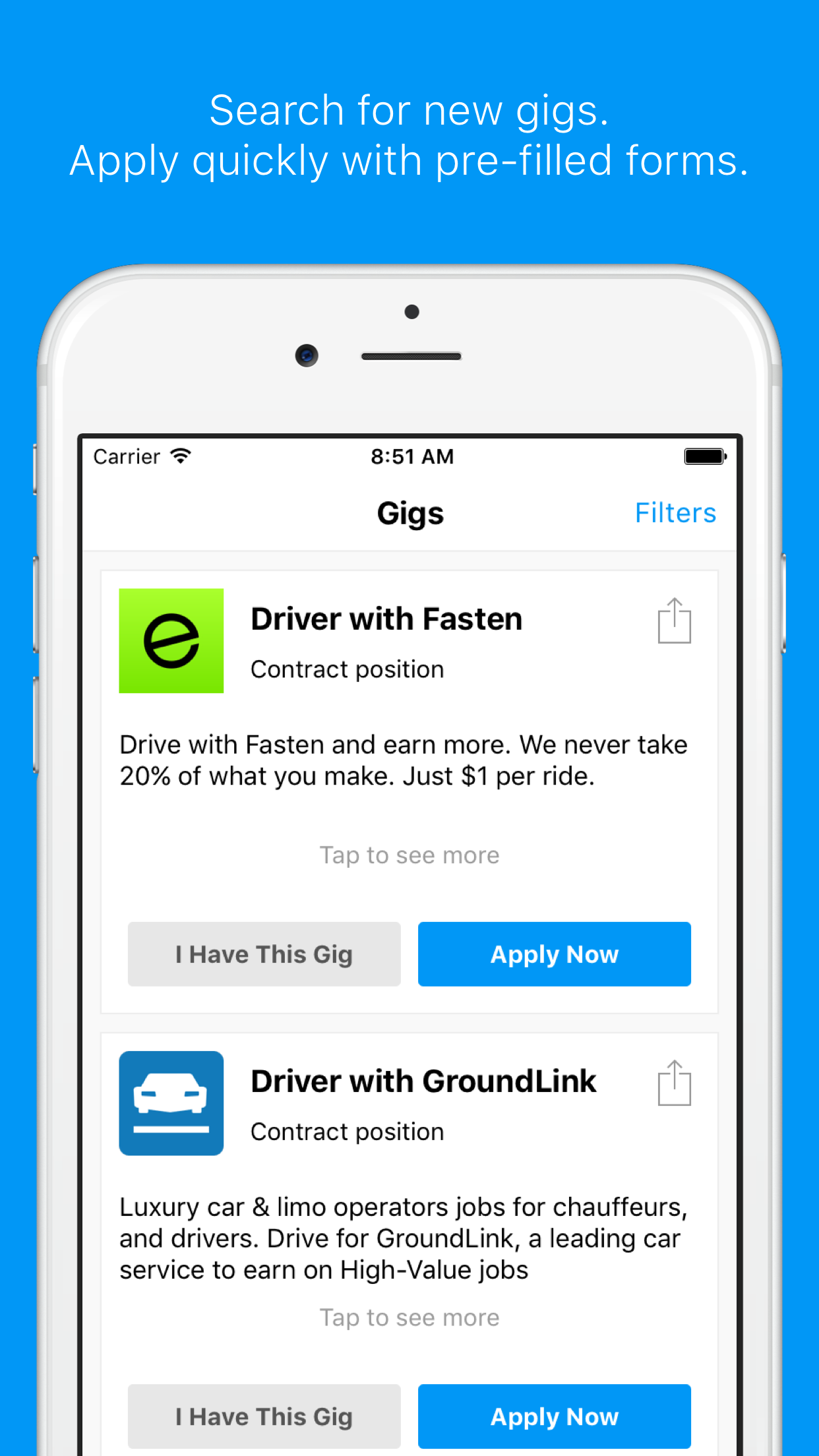
The Gig Saloon

screenshot - the gig saloon The Gig Saloon is an app for gig workers.

It’s one streamlined place where gig economy workers can go to find new jobs, stay up to date on gigs, and share their experiences.

The app aggregates jobs from across a wide array of sources, so it includes driving and delivery along with general marketplaces like TaskRabbit.

The cool thing is that you can share your experiences (and read about others’ experiences) in the discussion area. This app is still fairly new, but looks like a promising place to find and apply for jobs across a variety of employers.


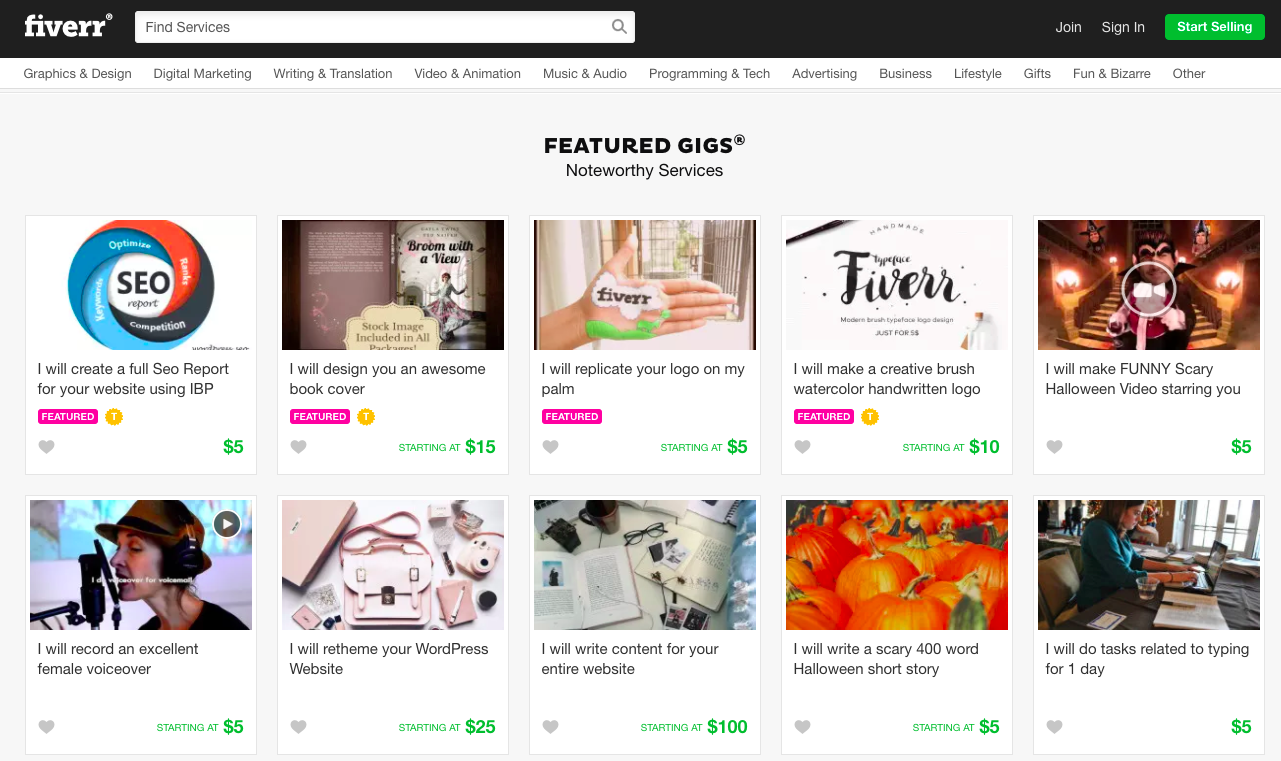
Fiverr

Fiverr is a site where you create your ideal gig based on your own talents, time, and experience. Then people who need what you’re selling can come and hire you through the site.

Fiverr includes worker ratings, and provides a secure transaction service, so you don’t have to directly contact the person hiring you for payment.

Fiverr main page

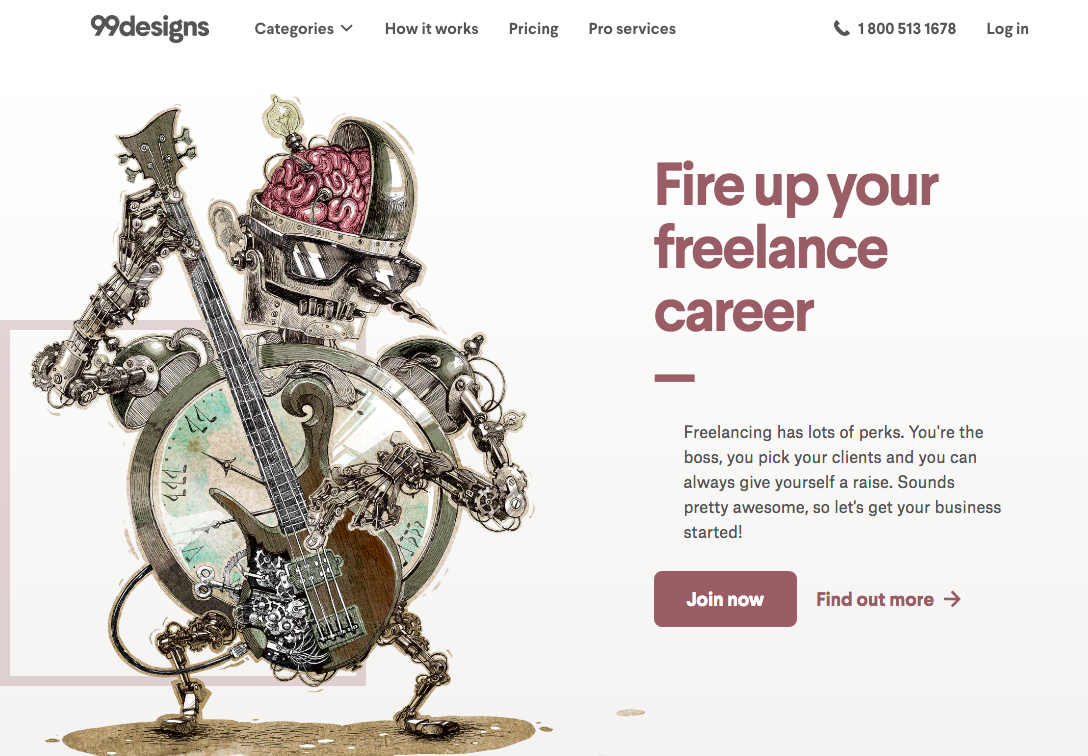
99designs

99designs is a marketplace for design. Customers upload design briefs for potential projects, choose the “prize” (which is the price level offered for the work), and then designers can submit entries to win the work. Because of the contest format, 99designs could be a way to test the waters if you want to get some real-world feedback on the quality of your design work, or if you’re just getting started as a freelance designer and want to build your portfolio.

There is risk that your design won’t be selected, and you give copyright ownership to the customer, so read the fine print before you join.

99designs website

TaskRabbit

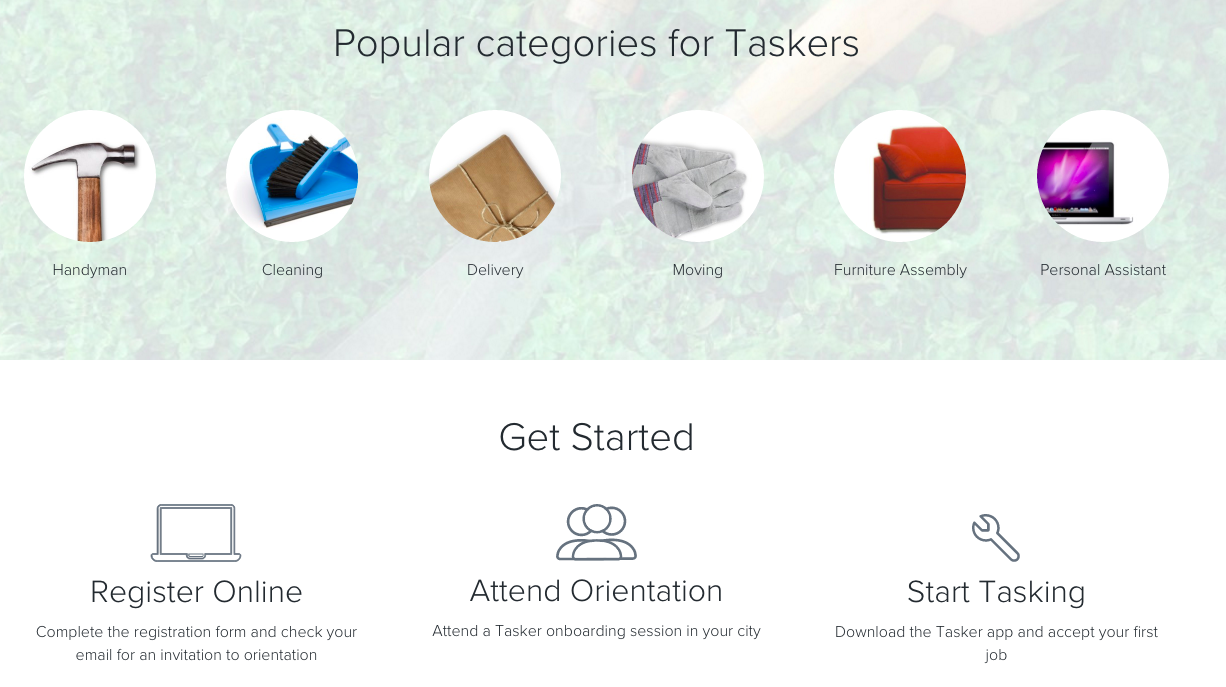
TaskRabbit’s marketplace revolves more around local gigs, and you can do general errands, cleaning, and personal assistance among other specialties.

You decide what you want to do, you decide how much you want to be paid, and TaskRabbit finds you local tasks. Members of TaskRabbit are called “taskers.” There’s a mobile app, and on-boarding/orientation provided by the company.

TaskRabbit main site

Hubstaff Talent

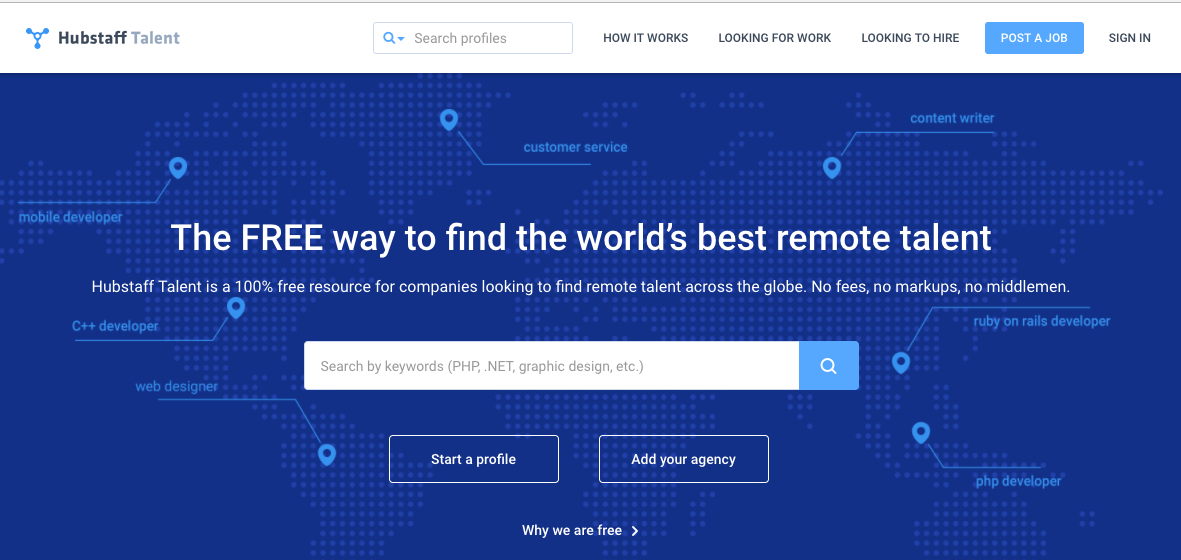
Hubstaff Talent makes it easy for freelancers find quality work, simply create a profile and wait for businesses to start contacting you. It’s an easy to use platform with a clean, professional design. Potential employers are able to reach out to freelancers directly – no middlemen involved, and no fees for either freelancers or the businesses hiring. Hubstaff Talent also recently launched a “Jobs” section on their website where freelancers can search through hundreds of remote jobs to find the right one for them.

Hubstaff Talent


Bidvine (NEW)

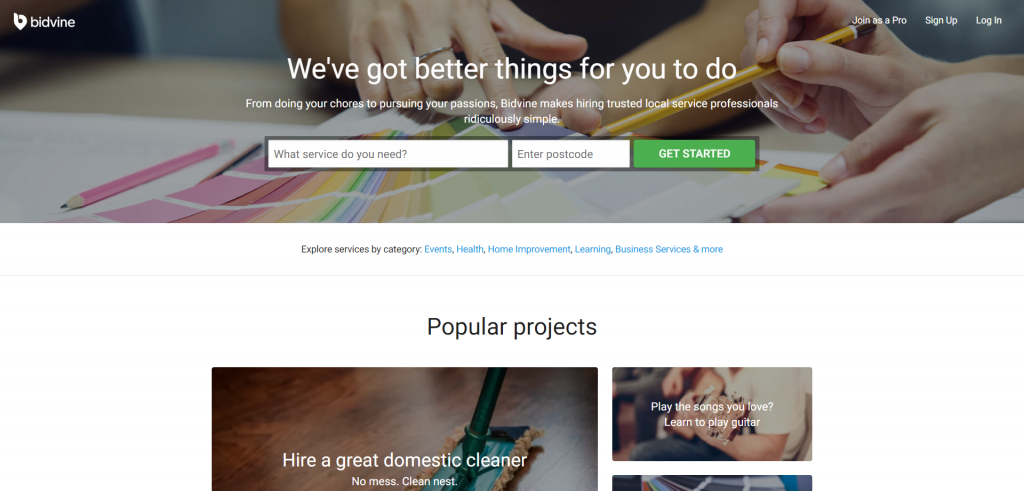
Bidvine.com is a local services marketplace and covers over 800 services from photography to personal training and handyman services. While some of the services covered by Bidvine require professional qualifications, others, such as furniture assembly or dog walking are available anyone with some previous experience. It’s free to sign up, you can view client inquires for free and you pay a small fee when you want to submit a bid – no commission to pay and all repeat business is yours to keep.


Have you used any of these services to supplement your income? Did I miss any great resources?

Author’s Bio: Rosemary O’Neill is an insightful spirit who works for Social Strata — makers of the Hoop.la community platform. Check out the Social Strata blog. You can find Rosemary on Google+ and on Twitter as @rhogroupee

Filed Under: Productivity Tagged With: freelancing, Productivity

  • « Previous Page
  • 1
  • …
  • 44
  • 45
  • 46
  • 47
  • 48
  • …
  • 1050
  • Next Page »

Recently Updated Posts

The Creator’s Edge: How Bloggers and Influencers Can Master Dropshipping

Is Your Brand Fan Friendly?

How to Improve Your Freelancing Productivity

How to Leverage Live Streaming for Content Marketing

10 Key Customer Experience Design Factors to Consider

How to Use a Lead Generation Item on Facebook


From Liz Strauss & GeniusShared Press

  • What IS an SOB?!
  • SOB A-Z Directory
  • Letting Liz Be

© 2025 ME Strauss & GeniusShared